To take dispute management a step further, you can assign a dispute reason to a client.
Clearnox provides a list of preconfigured dispute reasons. You can also edit, add or delete dispute reasons.
How to configure your dispute reasons
Only account administrators can add, edit or delete dispute reasons.
To add, edit or delete a dispute reason, go to Configure > Dispute reasons.
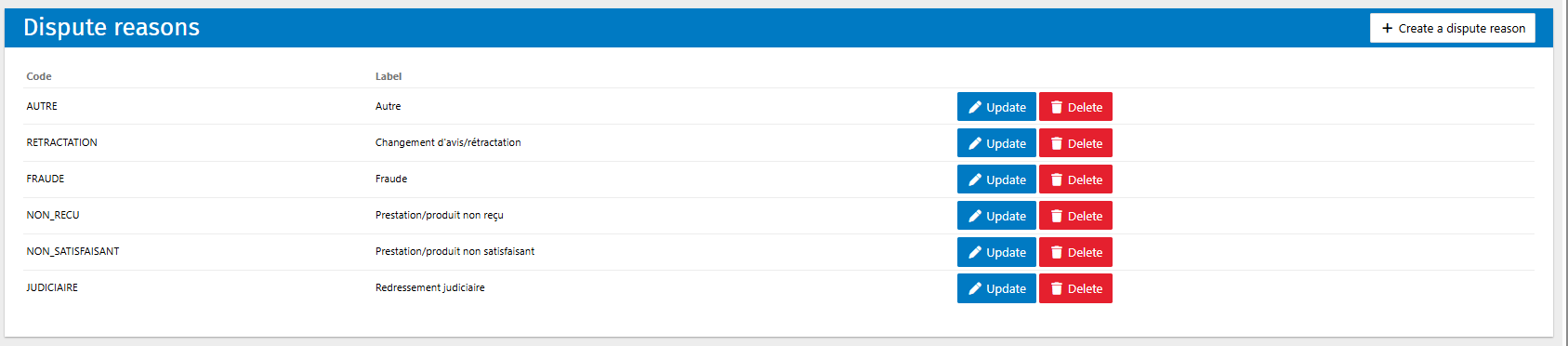
To add a new dispute reason:
1. Click the button to add a dispute reason.
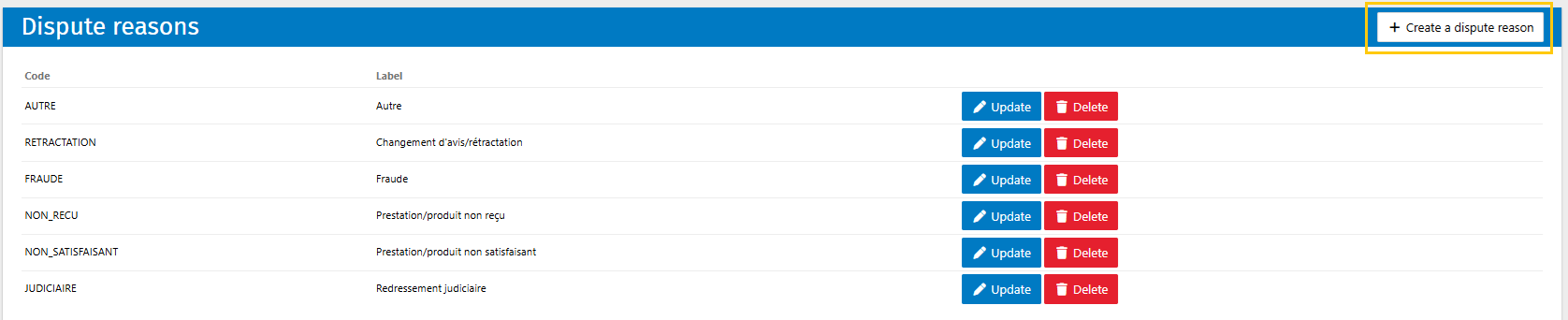
2. Enter the code and label for the dispute reason.
3. Click Save to confirm the creation of the new dispute reason.
4. The new dispute reason now appears in the list of dispute reasons.
To edit a dispute reason:
1. Click Update to the right of the dispute reason you want to edit.
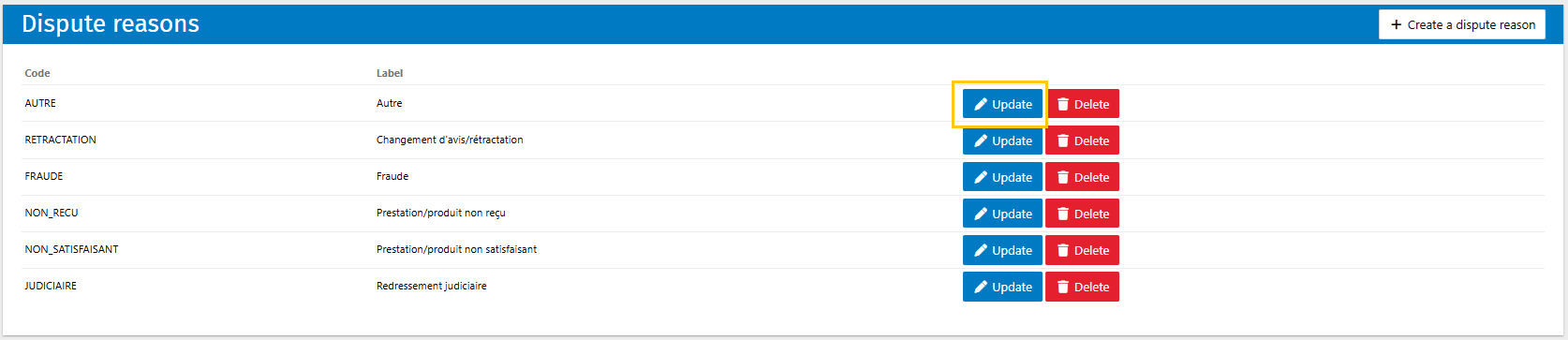
2. Edit the code and/or label of the dispute reason.
3. Click Save to confirm the changes to the dispute reason.
Pleae note: updating a dispute reason updates it in all relevant client records.
To delete a dispute reason:
1. Click Delete to the right of the dispute reason you want to delete.
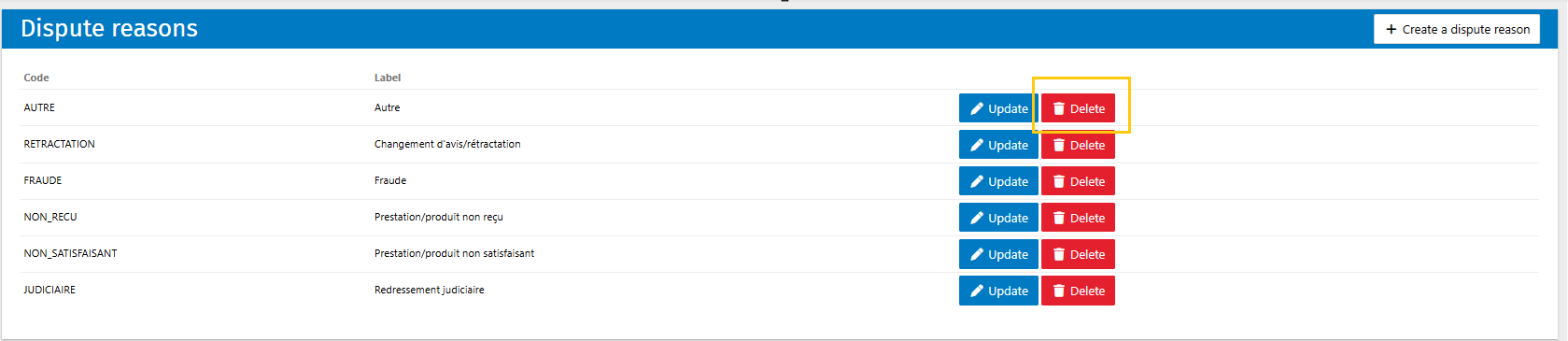
2. Click Save to confirm the deletion of the dispute reason.
Please note: updating a dispute reason updates it in all relevant client records.
Congratulations, your dispute reasons are now configured. You can now use them to manage clients with disputes.
Was this article helpful?
That’s Great!
Thank you for your feedback
Sorry! We couldn't be helpful
Thank you for your feedback
Feedback sent
We appreciate your effort and will try to fix the article