When you send an ERE via AR24 as a manual reminder, AR24 sends an email to the specified recipient. The email invites them to view their letter on the AR24 platform. The notification is usually sent immediately, but it may sometimes take a little while to arrive.
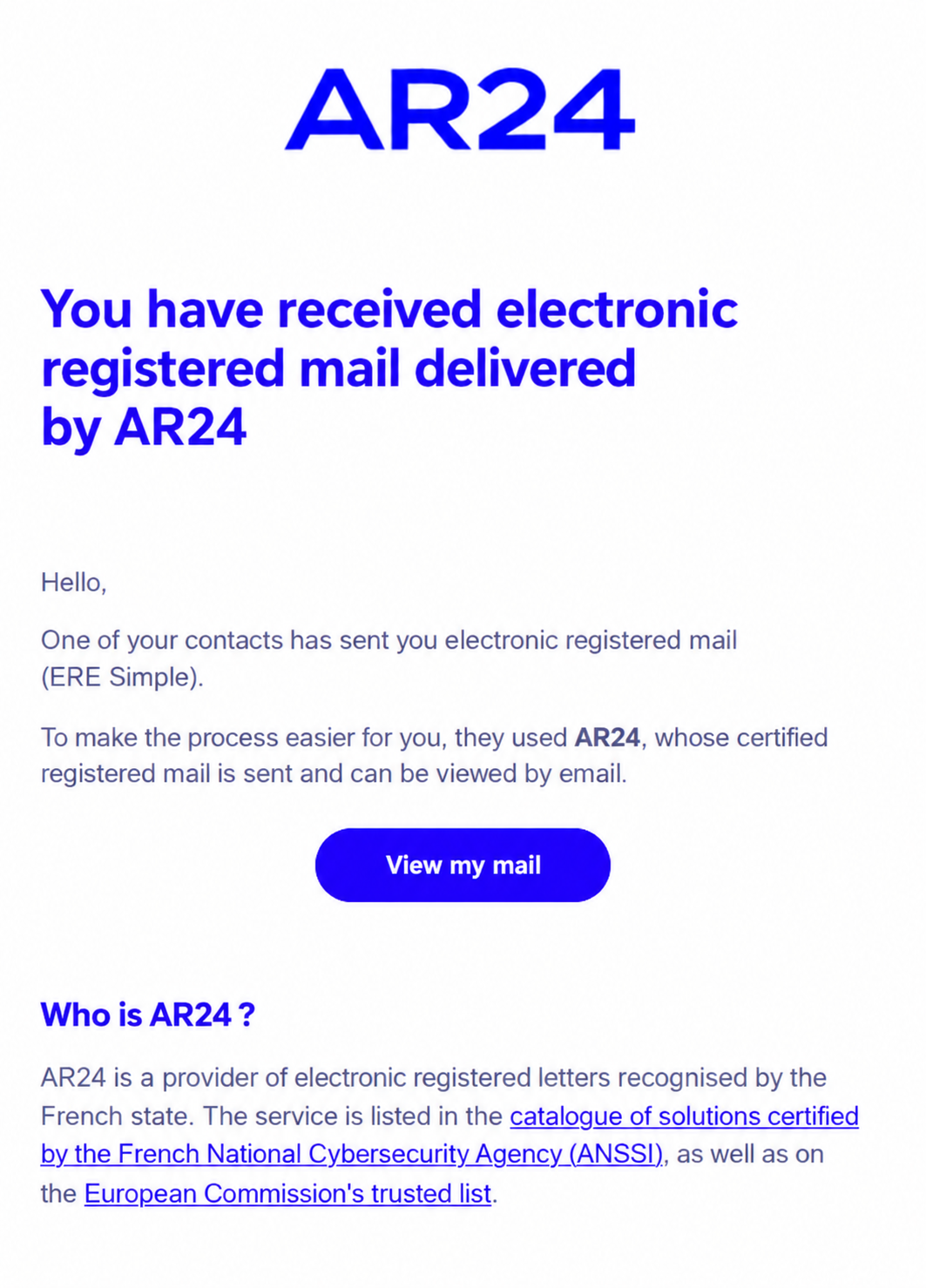
By clicking “View my letter” in the email, your client opens the AR24 page.
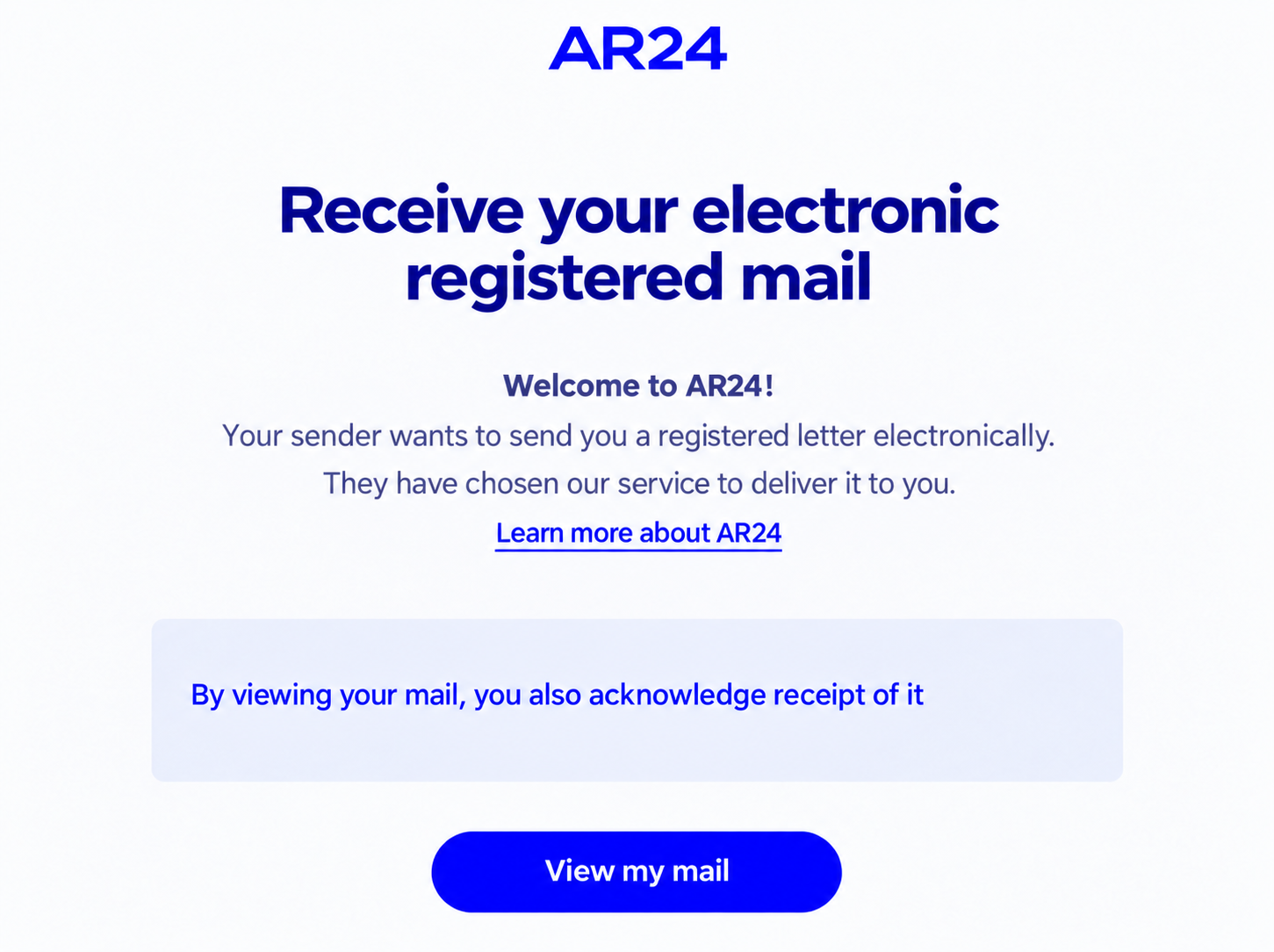
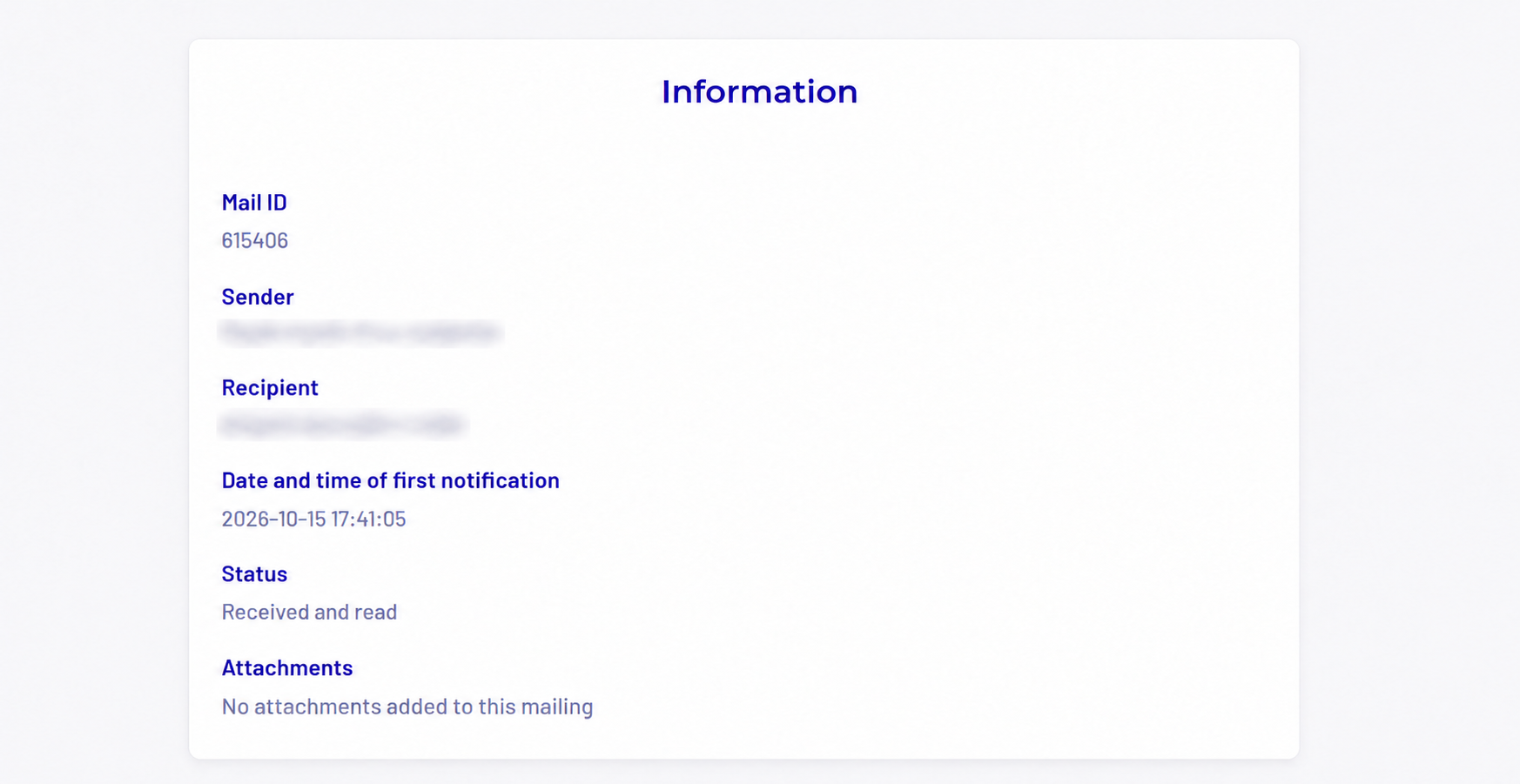
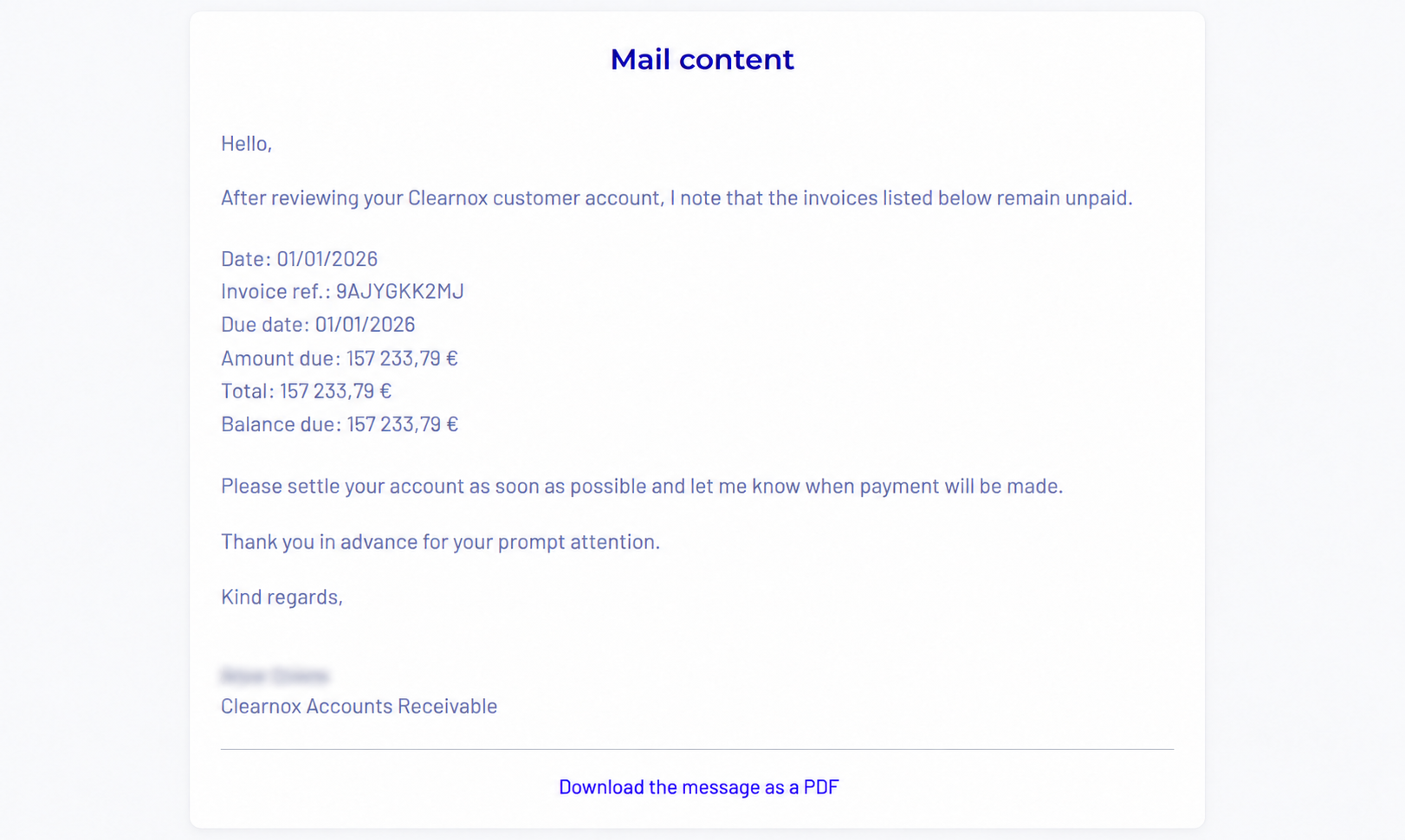
By then clicking “View my letter”, the client can access the reminder sent from Clearnox. You will receive an email containing proof that the ERE was received.
ERE not viewed or refused
When you send an ERE, the recipient receives a reminder every two to three days until they view the letter. If there is no response after 15 days, the reminders stop and the ERE automatically receives the “Negligence” status.
The client can also refuse the ERE using a link in the email they received.
ERE reminder statuses
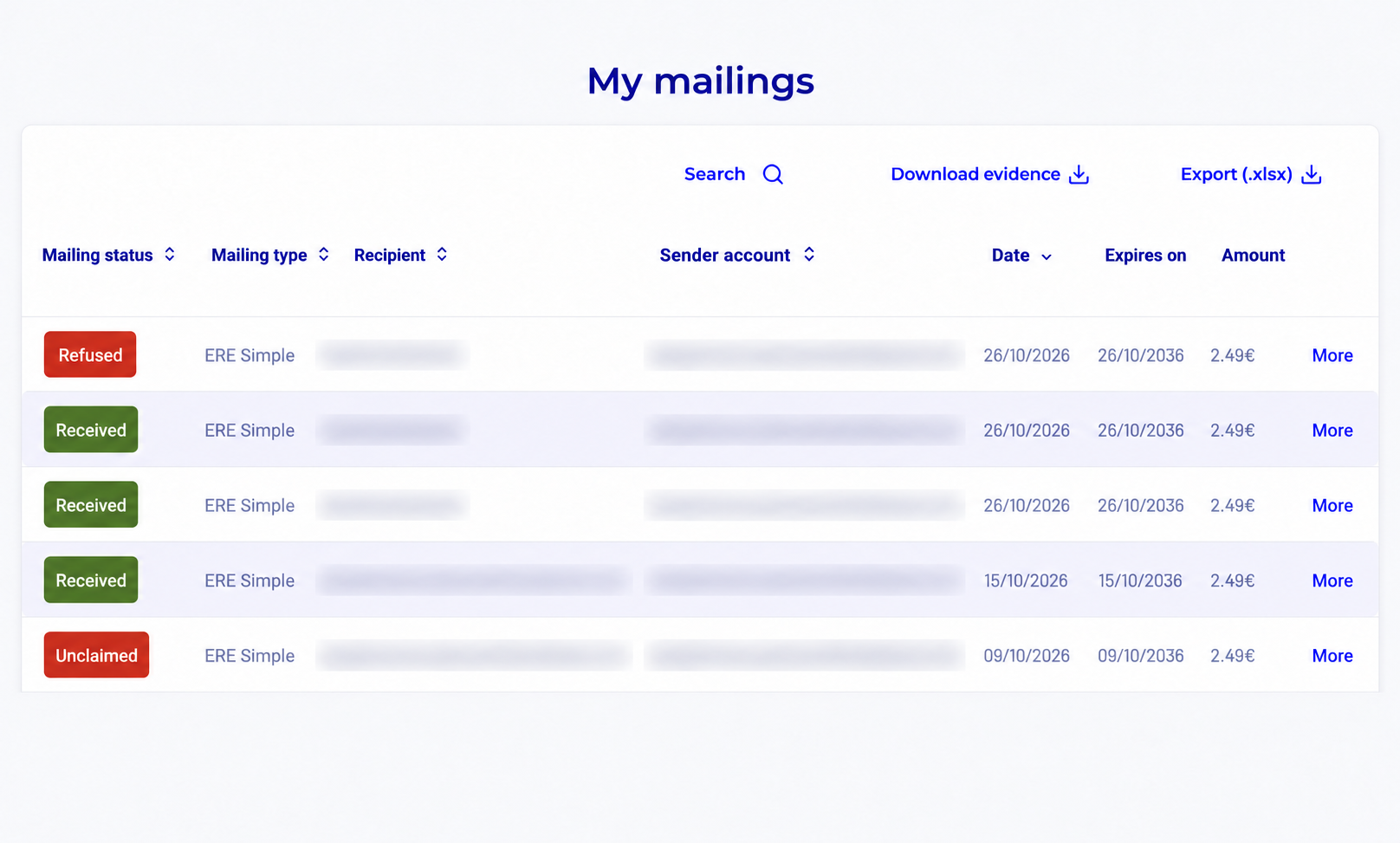
You can view the different ERE statuses in Clearnox under Monitor > Activities, in the status column.
To learn about the different statuses associated with an electronic registered delivery, see our article on tracking reminder activities.
These statuses are also available in your AR24 account.
Was this article helpful?
That’s Great!
Thank you for your feedback
Sorry! We couldn't be helpful
Thank you for your feedback
Feedback sent
We appreciate your effort and will try to fix the article